Axon Flow AI logo

Axon Flow AI

Closed Beta · APK · Key via Email
Open-source + Hosted

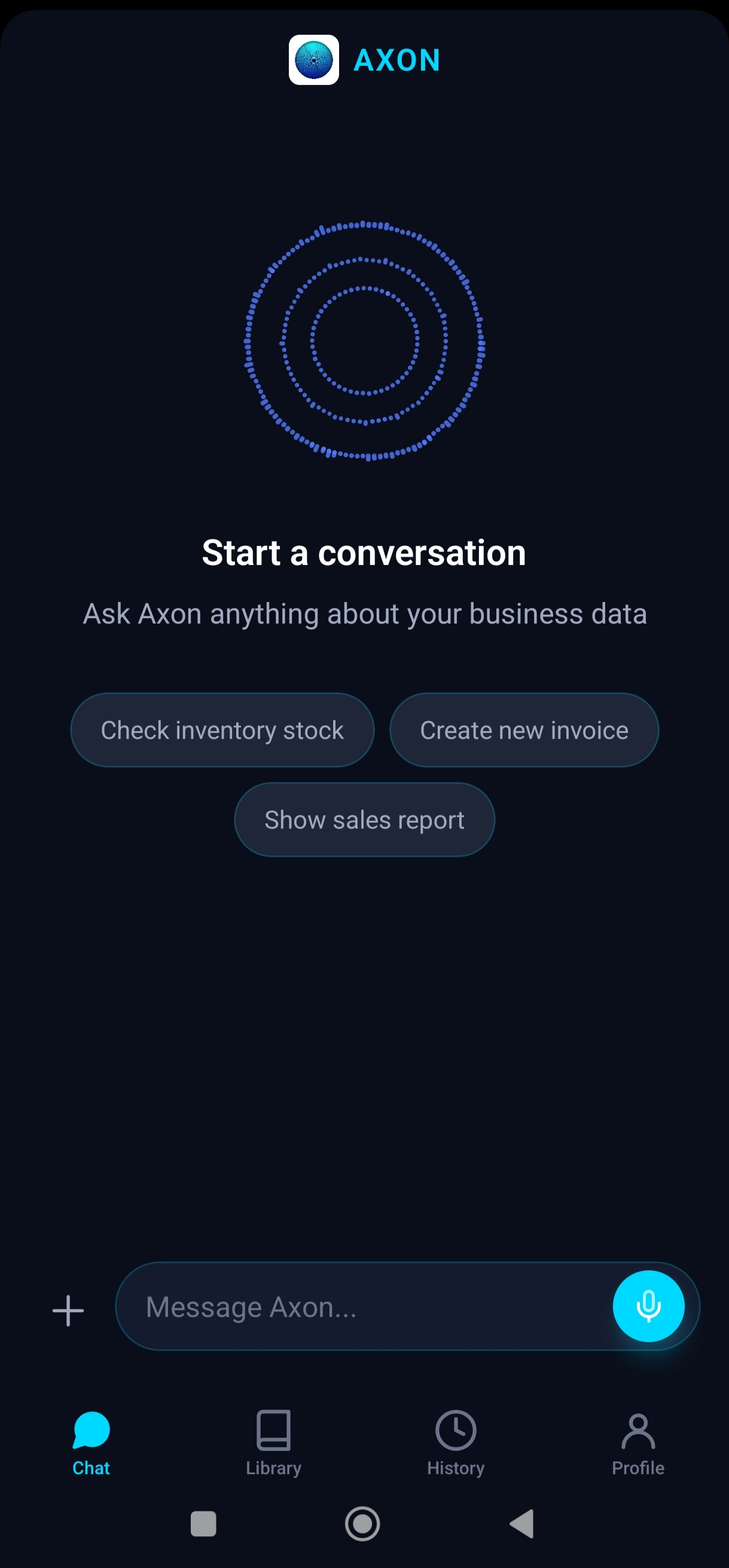
Voice-to-ERP orchestration for modern teams

Use Axon Flow AI as fully self-hosted software for free, or choose Axon Cloud to skip infrastructure and get hosted access with a license key delivered to your email.

Hosted plans

Axon Cloud Pro

$199 / year

Best for individual operators and small teams starting out.

  • Hosted backend on Axon Cloud
  • No server setup required
  • License key delivery by email

Axon Cloud Business

$599 / year

For companies that need team usage and priority support flow.

  • Everything from Pro
  • Business plan lifecycle support
  • License lifecycle managed via Paddle
Checkout email

Enter your email to receive your AXON key after successful payment.

Select a plan and continue.

How to Start Using Axon Flow AI

  1. Install: Download the app from the App Store and sign in.
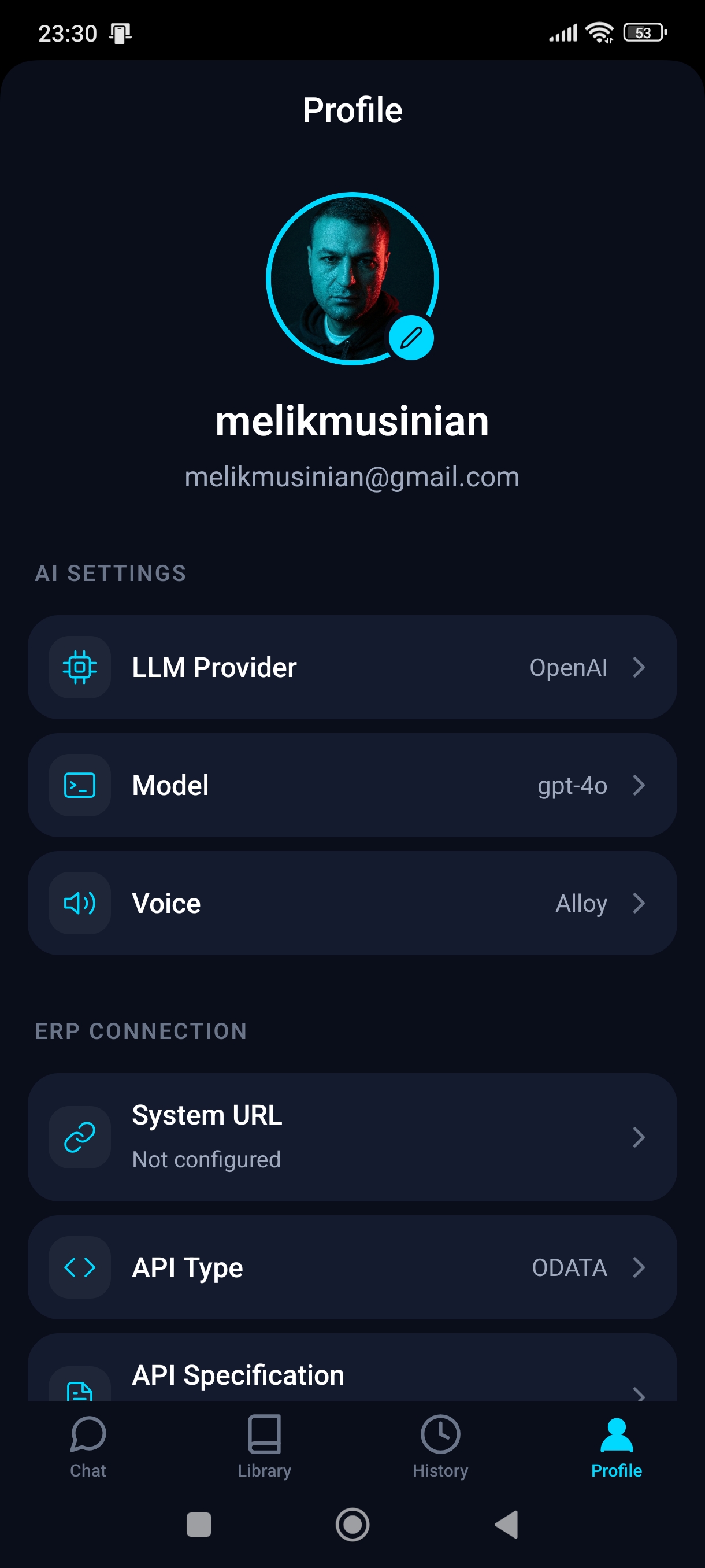
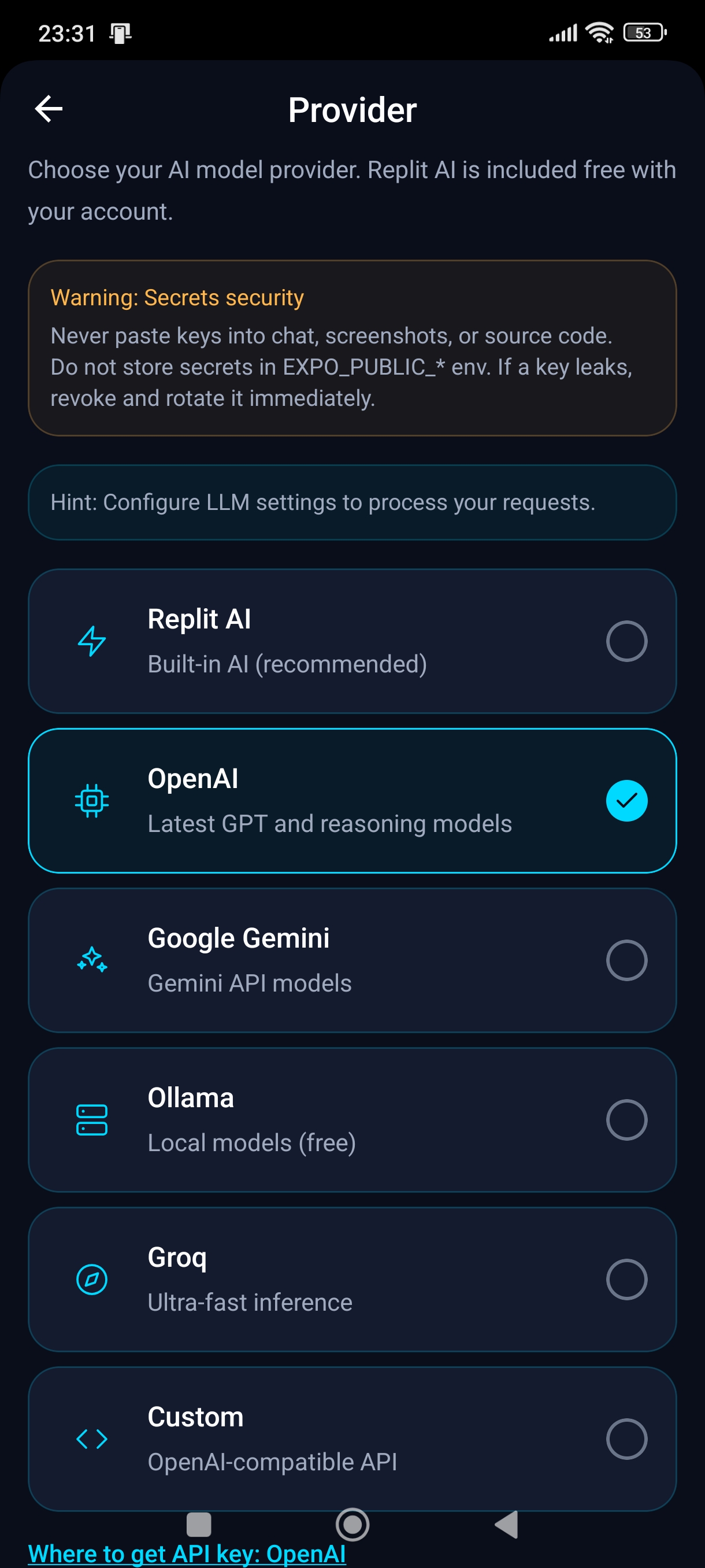
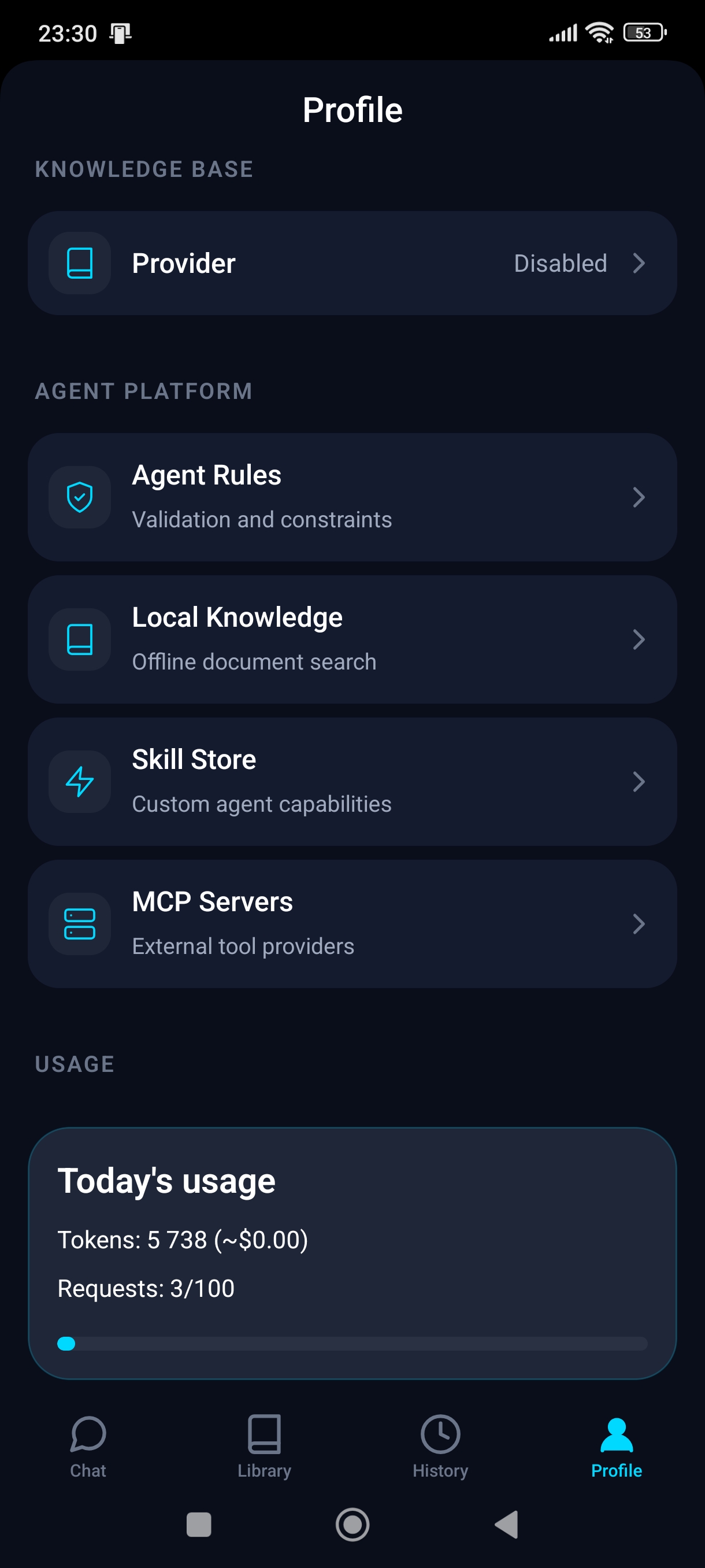
  2. Connect LLM: Open Profile → Providers and connect your LLM provider.
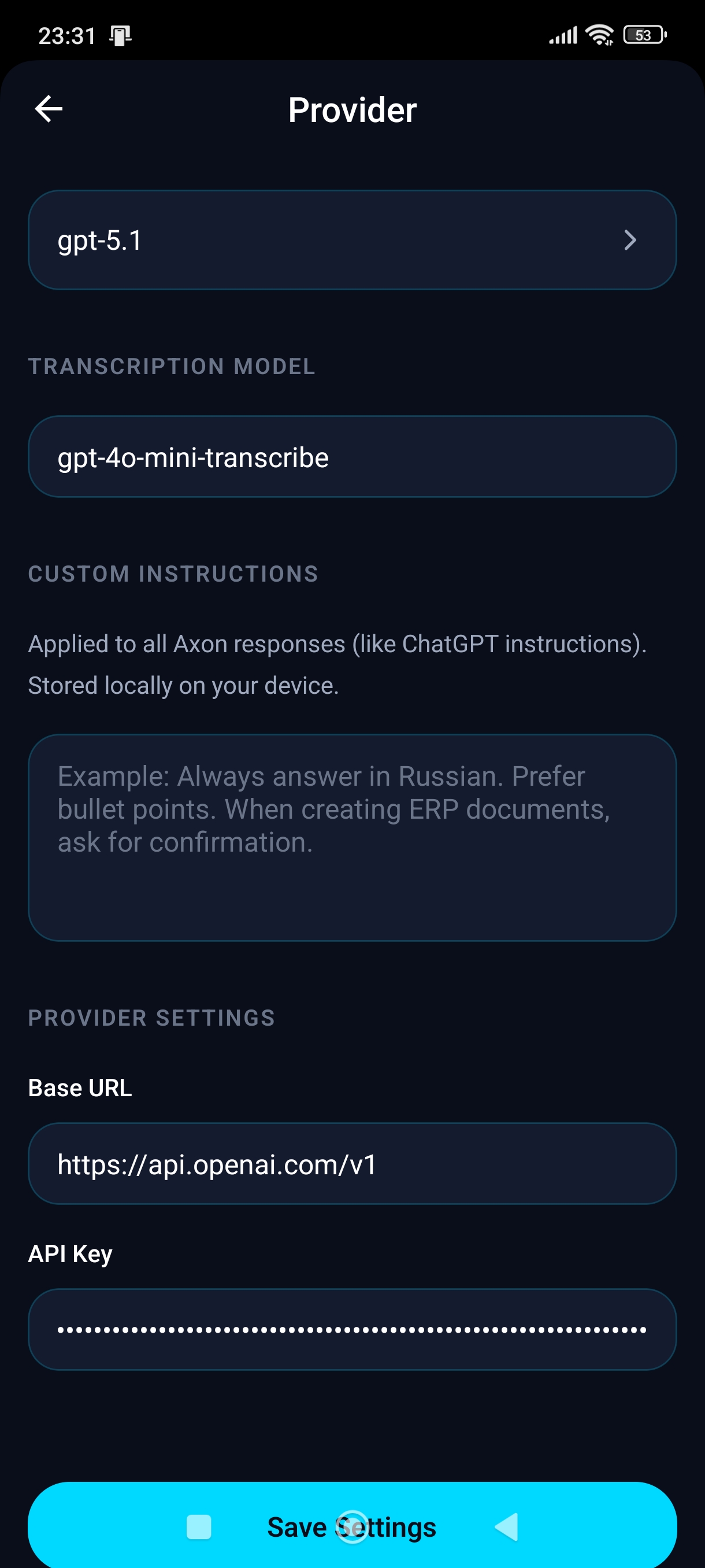
  3. Configure: Add credentials: provider, base URL, model, and API key (OpenAI/Anthropic/Gemini or custom endpoint).
  4. Privacy: For private deployments, use a custom/self-hosted LLM endpoint so business prompts and chat history can remain within your company infrastructure.
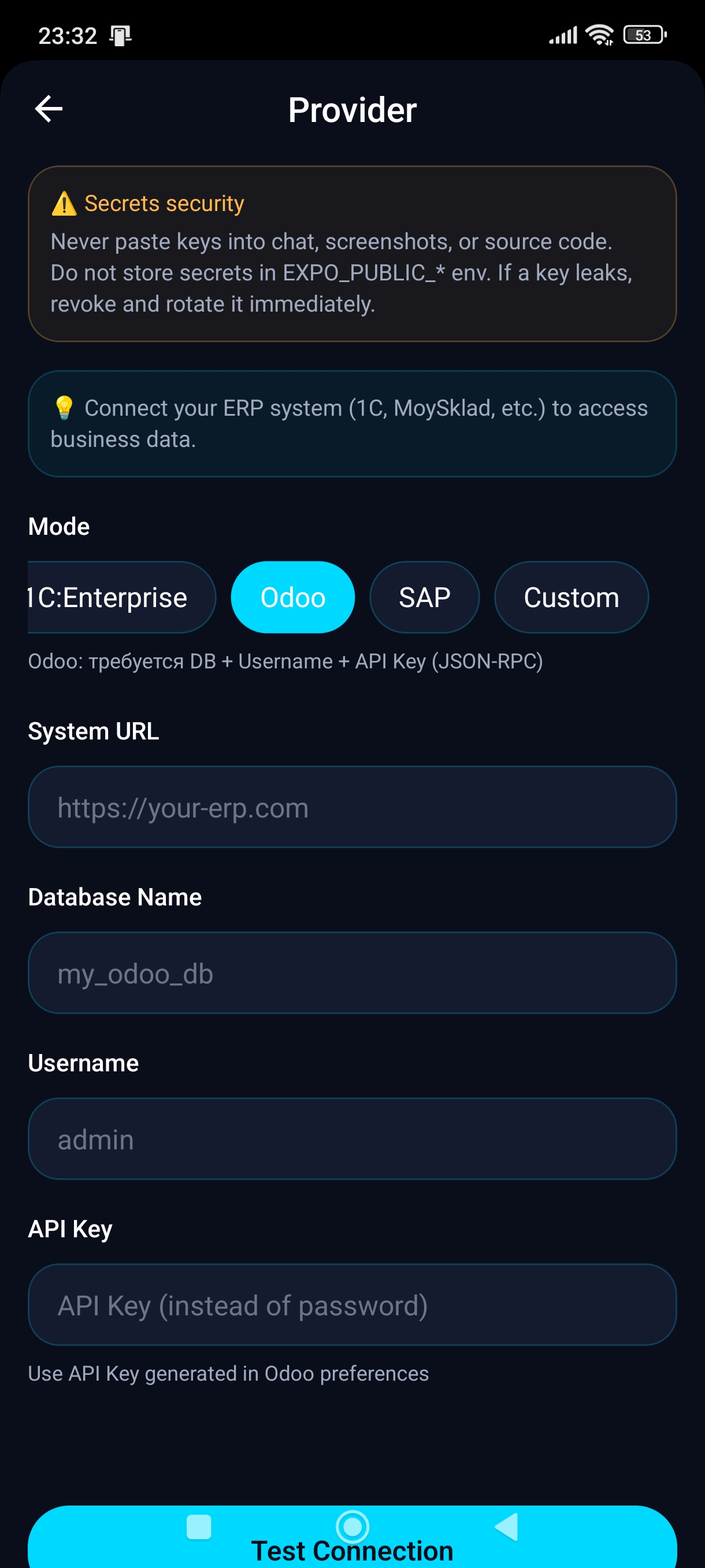
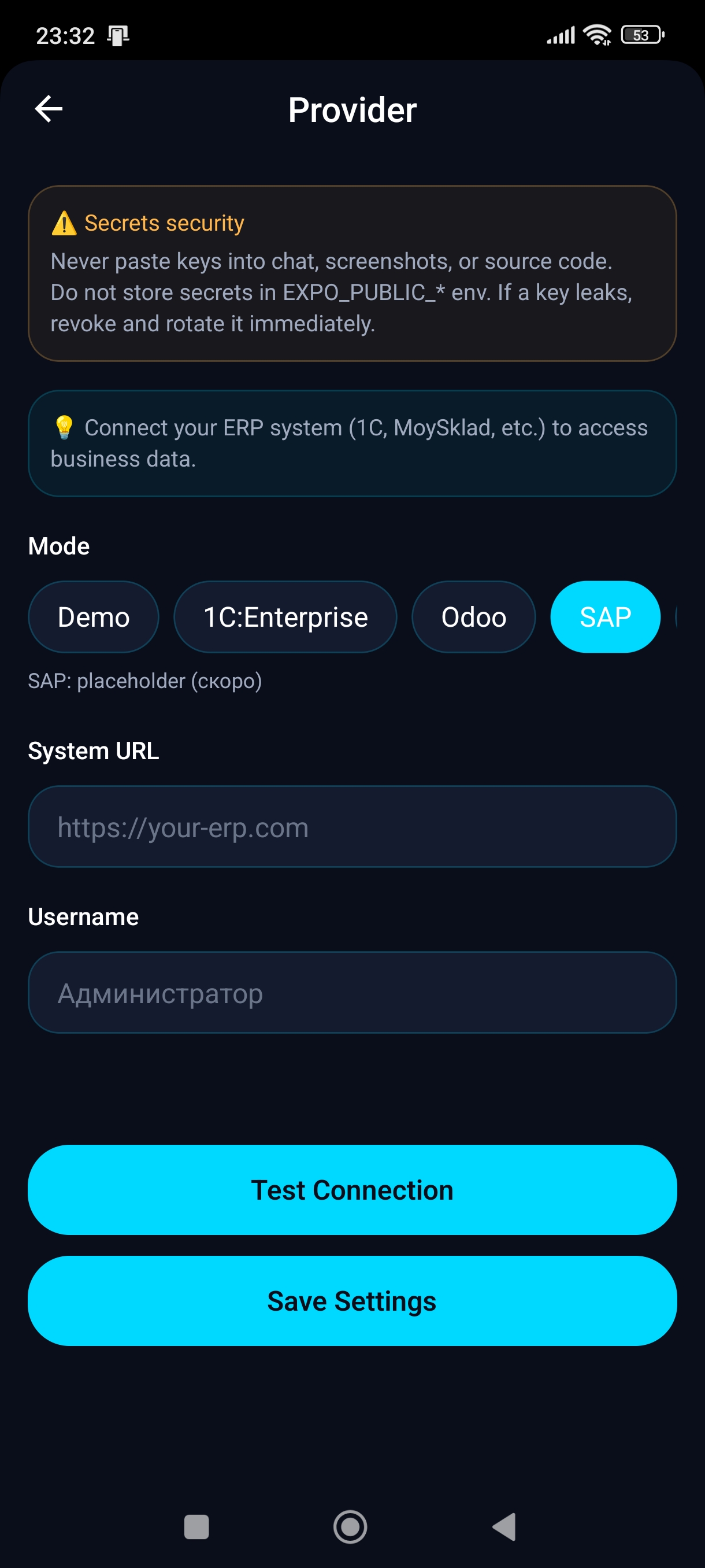
  5. Connect ERP: Open ERP Settings and add your ERP connection: provider, URL, database, login, and API key/password.
  6. Test: Run "Test Connection" for both LLM and ERP, then start a chat.

Provider Setup Reference

LLM Provider Example

  • Provider: OpenAI
  • Base URL: https://api.openai.com
  • Model: gpt-5.2
  • API Key: sk-...

Save, then run test in app settings.

ERP Provider Example (Odoo)

  • Provider: Odoo
  • URL: https://company.odoo.com/odoo
  • Database: company-prod
  • Login: ops@company.com
  • API Key: ********

Example Prompts You Can Use

  • Check stock for "beer" and "wine" with quantities by warehouse.
  • Create a sales invoice for ACME: 10 x Product A, due in 14 days.
  • Show all low-stock items (less than 20 units) and suggest reorder amounts.
  • Summarize today's ERP updates and pending tasks.

Rate Axon Flow AI

How would you rate your experience?

Click to rate

How licensing works

  1. Choose Pro or Business and complete Paddle checkout.
  2. AXON backend receives webhook and activates your hosted license.
  3. You receive your AXON license key by email.
  4. In app Setup screen: choose Axon Cloud and paste the key.

Self-hosted is free

AXON remains open-source. You can run your own backend and use your own domain without hosted licensing.

Hosted license only controls access to HOSTED_BASE_URL_PLACEHOLDER.